MONTHLY
£14.99/month
Flexible access billed monthly.
✓ Full CBI Device Manager✓ Automatic licence delivery✓ Verified download delivery✓ Telegram support
CBI Device Manager unifies device control, game profiles, input mapping, automation, live overlays, diagnostics and recovery tools in one clean Windows control centre.
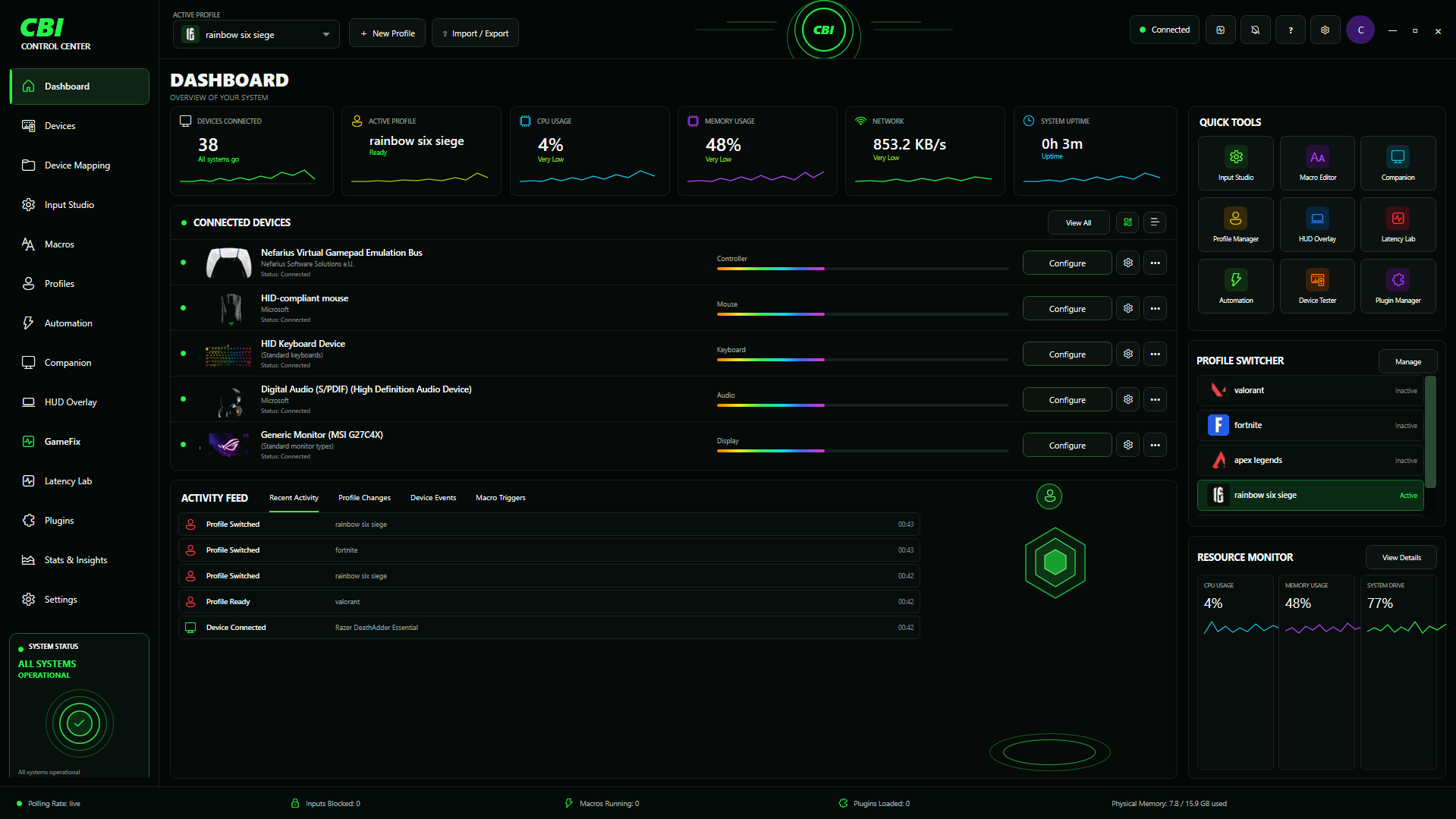
PC gaming setups are fragmented across Windows panels, peripheral tools, game settings and separate utilities. CBI is designed to pull the repetitive control layer into one consistent interface.
Keep per-game configuration organised and switch automatically around supported trigger processes.
Move from inventory to mapping, tuning, layout and diagnostics without leaving CBI.
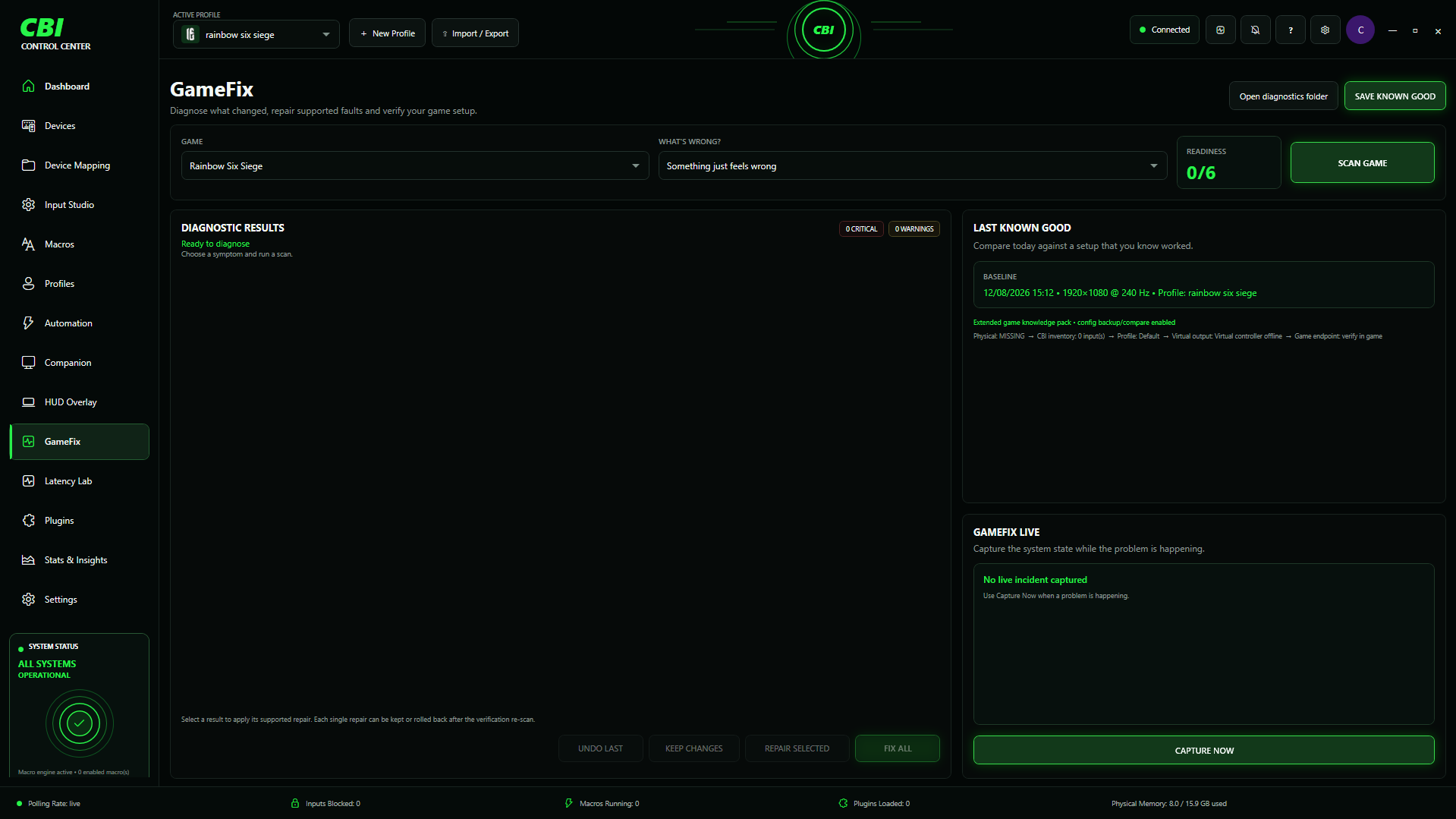
GameFix can compare against a setup you know worked and restore supported known-good configuration.
Companion and HUD Overlay keep capture, profile and device controls close during a gaming session.
Every card below opens a dedicated page showing the controls and capabilities that exist inside that CBI workspace.
Live system, device and profile command centre.
Inspect connected hardware and saved device configuration.
Mouse, keyboard and controller mapping plus tuning.
Unified live-input, mapping and emulation workspace.
Visual controller layout editor.
Game-specific profiles, triggers, import and export.
Automatic profile switching and state restoration.
Create and test local input sequences.
In-session device, profile and capture controls.
Live companion overlay and session controls.
Known-good comparison, diagnosis and supported repair.
Local controller report-interval diagnostics.
Install and manage CBI extension packages.
System, hardware, profile and activity insight.
Virtual-controller compatibility mapping.
Controller-to-keyboard/mouse translation.
Application, profile and local-data controls.
Save a known-good setup, scan the affected game, compare what changed, repair supported findings, verify the result and keep or undo reversible repairs.
CBI inventories the devices Windows exposes.
Map, tune and organise devices in the relevant workspace.
Save game-specific configuration and triggers.
Let supported profiles switch and restore around applications.
Use Companion, HUD Overlay and session tools.
Use GameFix when the setup no longer behaves like the known-good state.
Black, restrained and consistent — with CBI green reserved for status, focus and action.
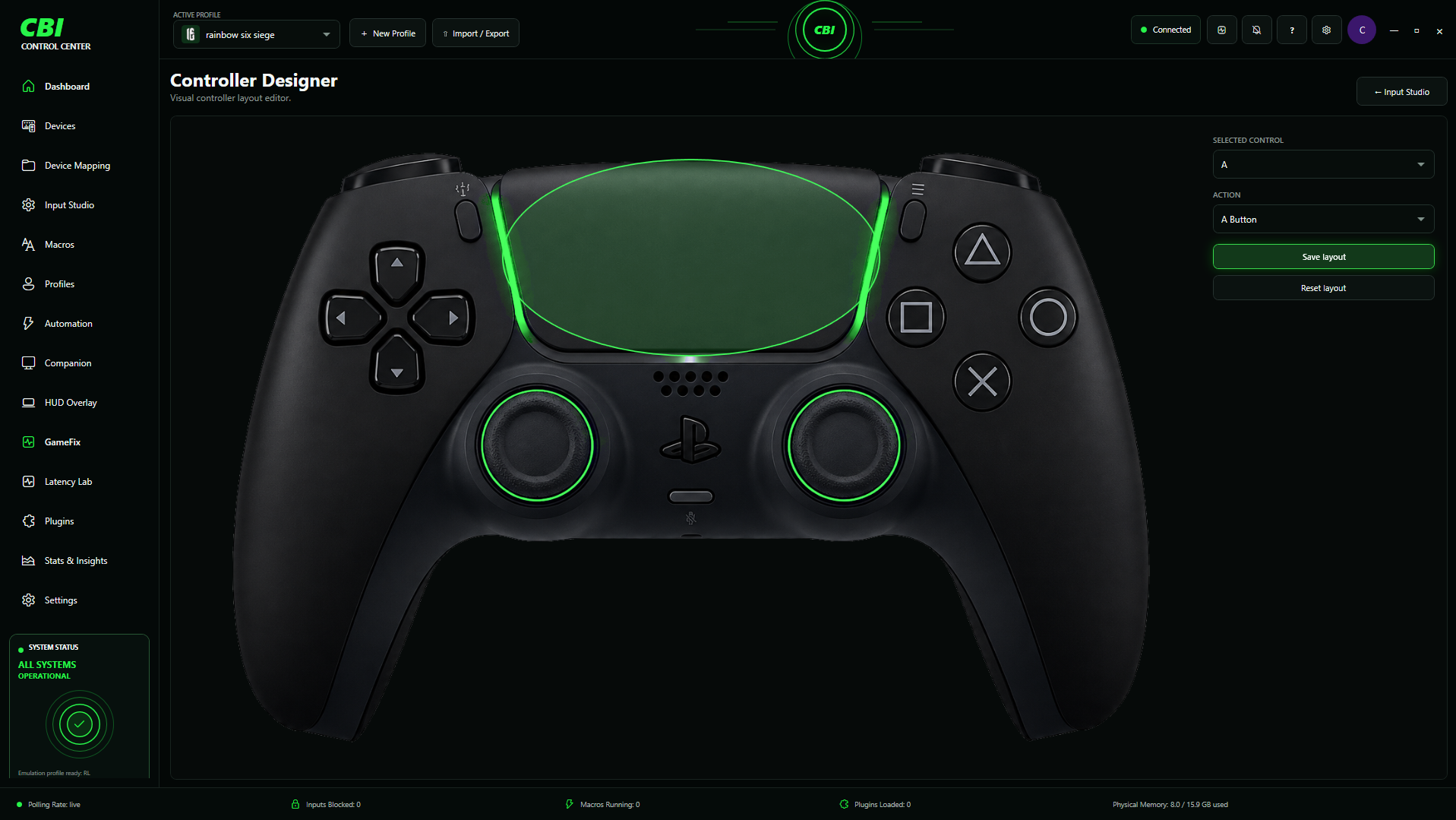
Profiles, mappings, controller tools, latency inspection and GameFix configuration recovery.
Keep mice, keyboards, controllers, displays and audio hardware organised from one environment.
Save profiles, import/export mappings and keep a known-good fallback after testing changes.
CBI is built around reducing the number of disconnected tools required to manage the setup.
Pay securely with PayPal or, when PayPal makes it eligible for your checkout, a debit or credit card. After successful subscription verification, your licence key and CBI download are delivered automatically.
Flexible access billed monthly.
Annual access at a lower effective monthly cost.
Subscription checkout is processed by PayPal. Available funding methods, including card payment, are determined by PayPal for each buyer.
A Windows control centre combining supported device management, input mapping, profiles, automation, overlays, controller tools, diagnostics, plugins and GameFix.
After payment is confirmed, the order page shows your automatically generated licence key and provides the private CBI download.
GameFix works with supported state and configuration. For a supported game configuration file, restoring a saved known-good copy can restore the settings contained in that file as a whole.
No. Windows, drivers, game updates, vendors and anti-cheat systems can affect compatibility. CBI only claims support for what the software can actually detect or control.
CBI is not licensed for cheating, unfair competitive advantage, anti-cheat bypassing or violating game/platform rules. Misuse can result in access being suspended or terminated.
Digital purchases are generally non-refundable except where applicable law gives you a mandatory right or remedy. Review the Terms before purchasing.